
Independent affiliate guide. We may earn a commission through referral links. Illustrations are generic editorial artwork. Game rules, versions, availability, and account terms must be checked in the current official lobby.
Overview
Finding Casino Plus slot games starts with the exact title and the current casino lobby. Game filters and slot categories can help, but labels and layouts may change. This navigation guide shows how to locate a specific release, verify a provider, and avoid confusing a similar thumbnail with the game you actually intended to research.
Key Takeaways
- Search the full title, including version numbers.
- Use provider and category filters where offered.
- Check the help panel before assuming a match.
- A missing result is not proof of a broken account.
Start with a precise game name
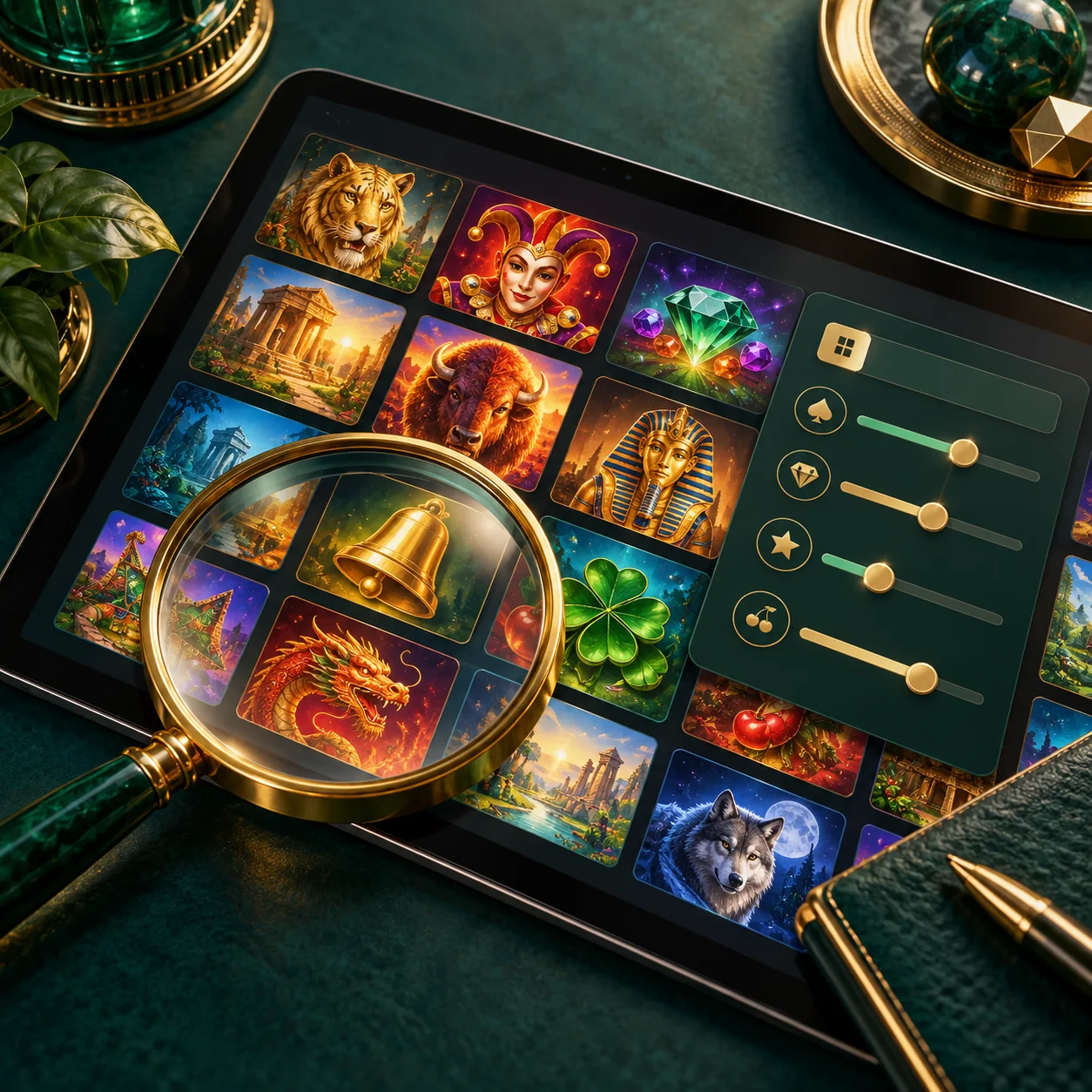
Write down the full title, including any number, Deluxe label, or other suffix. Our catalogue includes names such as Super Ace and Super Ace Deluxe separately, which illustrates why a shortened search can be ambiguous. If you only remember the artwork, use it as a clue rather than as proof. A familiar image may appear on several related releases.
Open the verified operator destination and use the search tools currently available in its lobby. Do not rely on an old screenshot showing a fixed menu position. The interface can change while the title remains available. Search first by the exact name, then try a shorter distinctive term if the lobby search does not find a complete match.
Use categories and providers carefully
Where game filters are offered, narrow the results by provider or slot category. The operator’s library can contain slots, live tables, and other formats, so choosing the relevant category can reduce unrelated results. Category labels are navigation aids; they do not establish RTP, volatility, or a game’s eligibility for a promotion. Read those details separately.
A provider filter can help distinguish titles with similar names. Confirm the studio shown in the active game’s help panel rather than guessing from a logo in a promotional banner. If a filter excludes your intended title, remove one filter at a time and repeat the search. Avoid combining so many restrictions that a valid result becomes hidden.
Verify the result before paid play
Match the title and provider, then read the paytable and total-stake controls. A thumbnail match is not enough to establish identical rules. Sequels may change bonus triggers, symbol behavior, or available modes. If you arrived from a guide about another version, compare the two explicitly before transferring any return percentage or feature description.
Check whether the game is accessible on your device and account. Loading a catalogue entry is different from being eligible for a specific promotion or prize. If the title offers extra paid settings, inspect their prices separately. Finding a favourite should not bypass the same rule and affordability checks you would apply to an unfamiliar game.
When you cannot find a title
A missing search result can reflect spelling, filters, a different version name, temporary availability, or account-specific access. Do not assume a cause without checking. Record the full title and relevant provider, then ask verified support whether the game is currently offered to your account. A provider’s global catalogue cannot answer that account question by itself.
If the lobby offers saved favourites or recently played lists, use them as shortcuts while still rechecking the total stake when reopening a game. Saved entries can lead to changed settings or unavailable releases. Keep your own notes limited to product information; never store passwords or one-time codes in a public document used to track favourite titles.
15 Frequently Asked Questions
How do I find Casino Plus slot games?
Use the current official lobby search, then narrow results with relevant provider or category filters where available.
Why does the full title matter?
Numbers and suffixes can distinguish different releases with separate rules and feature structures.
Can artwork identify a game by itself?
Not reliably. Match the title, provider, and help information before treating a thumbnail as the intended release.
What if exact search gives no result?
Check spelling, remove restrictive filters, and try a distinctive part of the title before asking official support.
Are menu labels fixed forever?
No. Lobby navigation can change, so use the controls currently shown rather than an old screenshot’s position.
Do categories tell me a game’s RTP?
No. Categories organize navigation; mathematical information belongs to the active game’s own rules.
How do provider filters help?
They can narrow similar titles, but the provider should still be confirmed in the game information panel.
Can too many filters hide a result?
Yes. Remove one restriction at a time when troubleshooting a search for a specific title.
Does finding a title mean a bonus applies?
No. Promotional eligibility and qualifying-game lists need separate checks.
Is Super Ace always the same as Super Ace Deluxe?
Treat them as distinct titles and compare the actual information panels rather than assuming identical rules.
What if a provider lists a game the operator does not?
A studio catalogue can be broader than the operator’s selection. Ask verified support about current account access.
Does a missing game mean my account is broken?
Not necessarily. Several navigation or availability causes are possible, and support can clarify the actual issue.
Can favourites save time?
Where offered, they can provide shortcuts, but still inspect current rules and the total stake on reopening.
Should I recheck the stake on a favourite?
Yes. Do not assume a previous setting is unchanged after a new session, version, or mode selection.
What details should I send to support?
Send the relevant game title, provider, device, and issue description through the verified channel without disclosing your password.
External references
Check the active game’s help panel for exact rules and current configuration. Product catalogues provide reference context and do not establish account-level availability.